19. Business Settings
Only the owner can change Business Settings. Managers and admins can open the page to look, but their changes are not saved.
| Section | Settings |
|---|---|
| Business identity | Business name, Trading name (if customers know you by another name), Logo URL (a link to your logo). |
| Contact and address | Phone, Email, address, Postal code. |
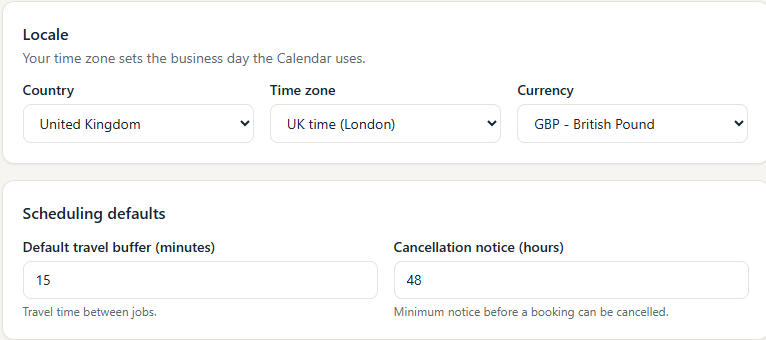
| Locale | Country, Time zone (sets your business day everywhere in MooTidy) and Currency. |
| Scheduling defaults | Default travel buffer (minutes) between jobs, used in clash checks, and Cancellation notice (hours). |
| Customer portal | See Customer Portal. |
| Invoice and payment details | Owner only (below). |
| About MooTidy | Version and Build, for support. |
Invoice and payment details (owner only)
- Invoice prefix: up to 12 letters, numbers or
- / . _, including your own separator (for exampleMC-). - Next invoice number: the number the next new invoice will get. MooTidy shows the next invoice number as it will appear. Once invoices exist, it cannot be set lower than the last one used.
- Payment due (days after issue): sets the due date on new invoices.
- Payment terms and instructions: any extra instructions for paying.
- Bank account name, Sort code and Account number.
Payment details appear on the invoice and in the invoice and overdue emails, with the invoice number as the reference. Changing the prefix never renames existing invoices.